The shift
Brightstar issues the app.
Contractors work inside it.
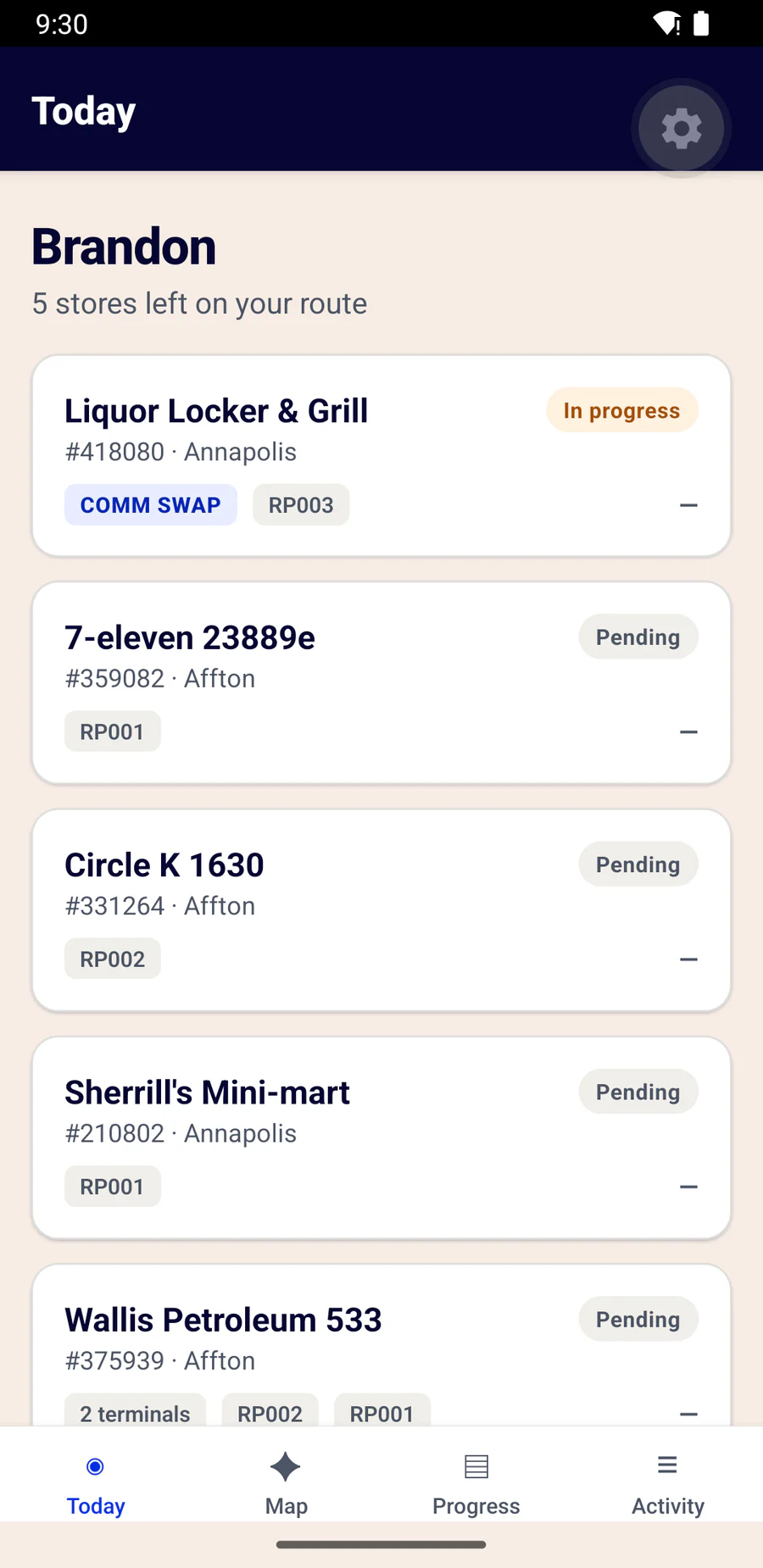
Instead of hoping a contractor's own tooling captures what you need, the capture standard is yours. The rules, the order, the evidence and the completion bar all belong to Brightstar — and every contractor on every wave works to the same one.
- The visit is generated from your pull and your terminal packs
- The serial rules are your registry, unchanged
- The return file is your file, in your column order
- You see the work as it happens, not at reconciliation
The visit
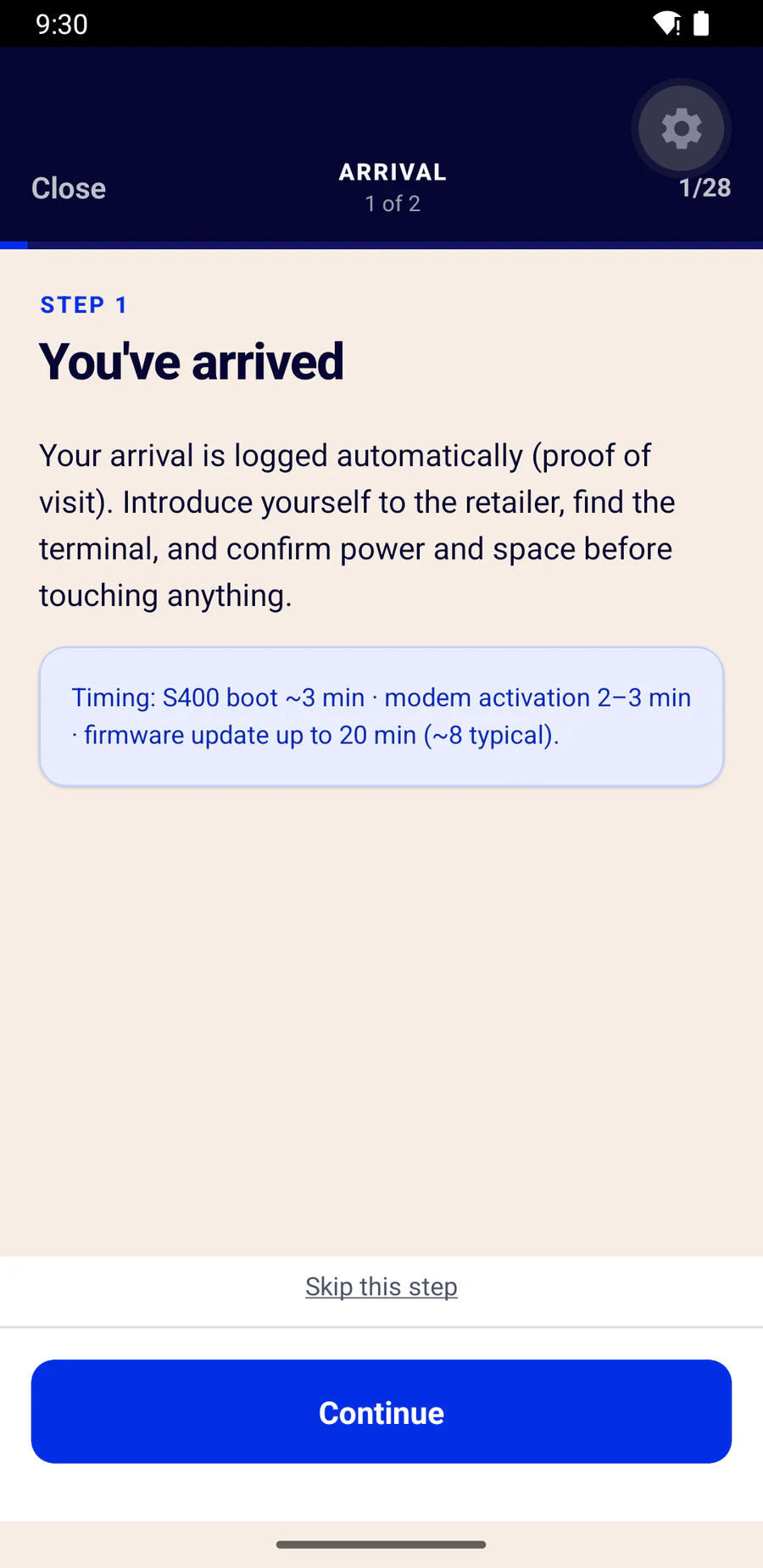
Your documented order — not a form to fill in.
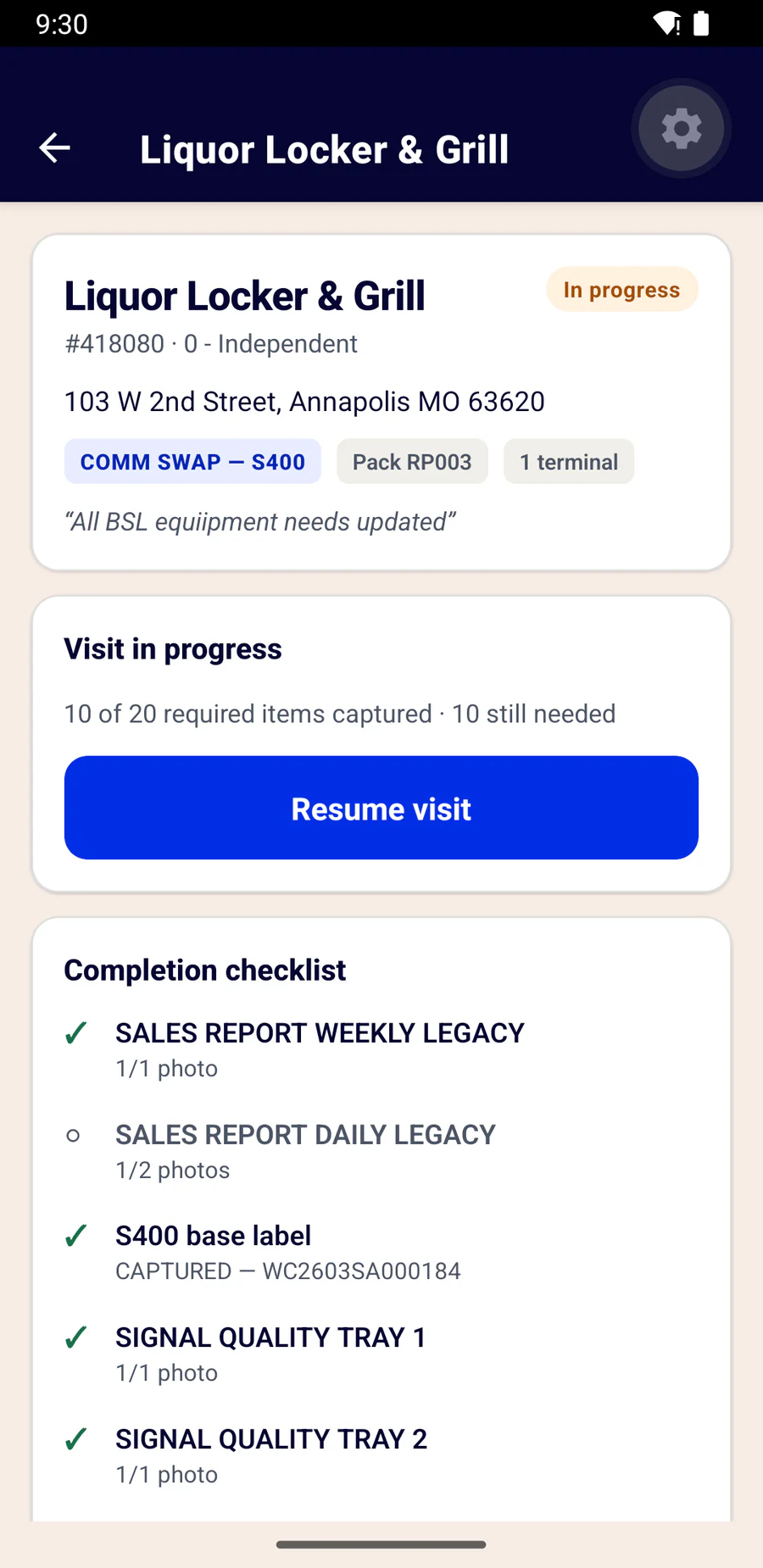
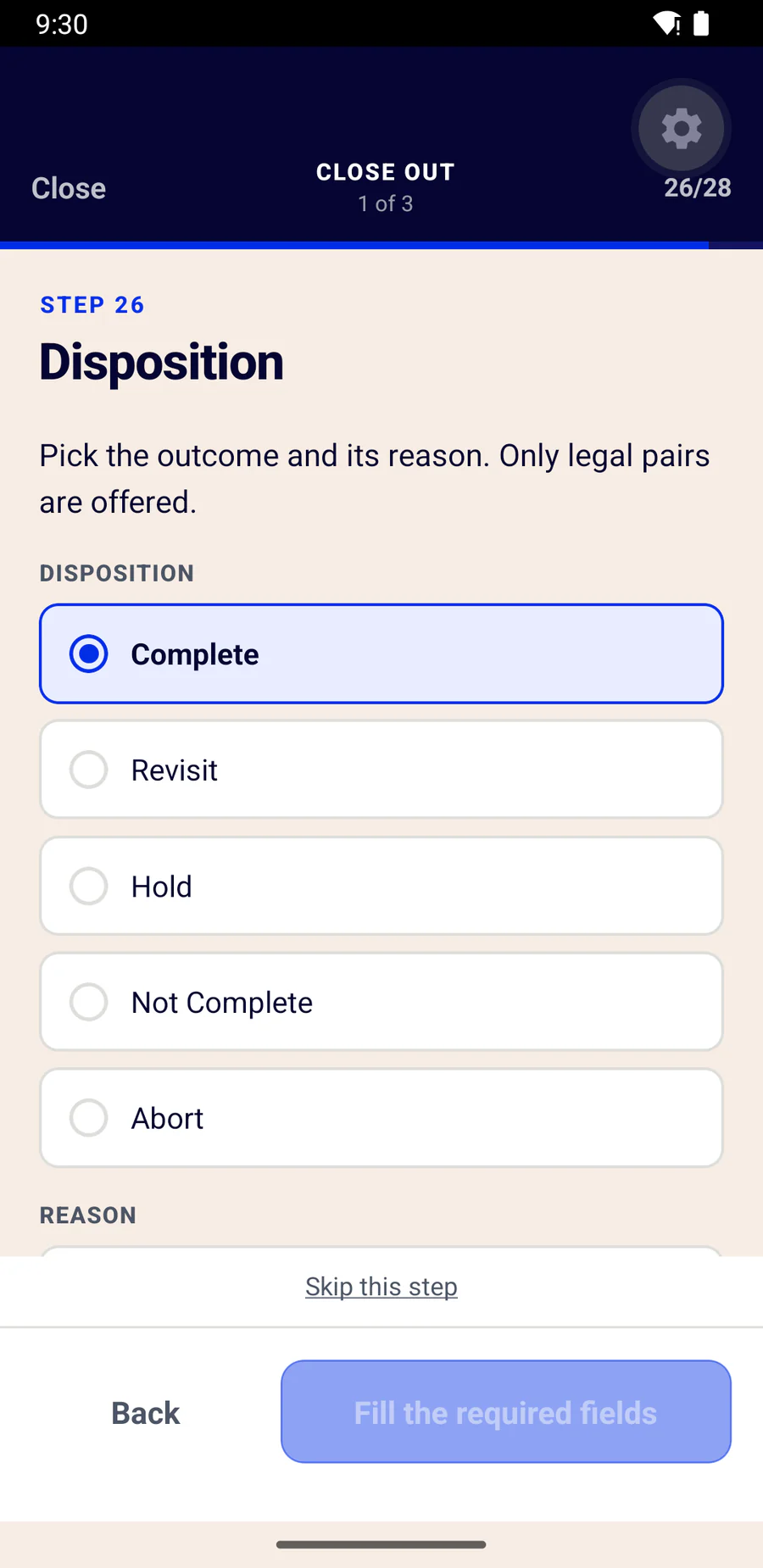
The sequence is fixed because downtime minimisation requires it: the new modem and terminal go live before any legacy equipment comes out. One instruction at a time, and the crew cannot get ahead of it.
Arrival
Logged as proof of visit. No technician action.
Legacy sales reports
Weekly and daily, photographed before anything is unplugged.
Comm install
S400 and SIM tests — only at retailers on Ventus.
Equipment per pack
Each serial captured as the unit goes in, not at the end of the day.
Test and prove
Flash, sign-on, and the new terminal's daily report as data-match evidence.
Legacy removal
Reclaim serials for the classes that owe one.
Contextual photography
Step-backs; jackpot signage shot lit, from outside.
Close out
Disposition, scoped reason, and a clerk signature on a named list.
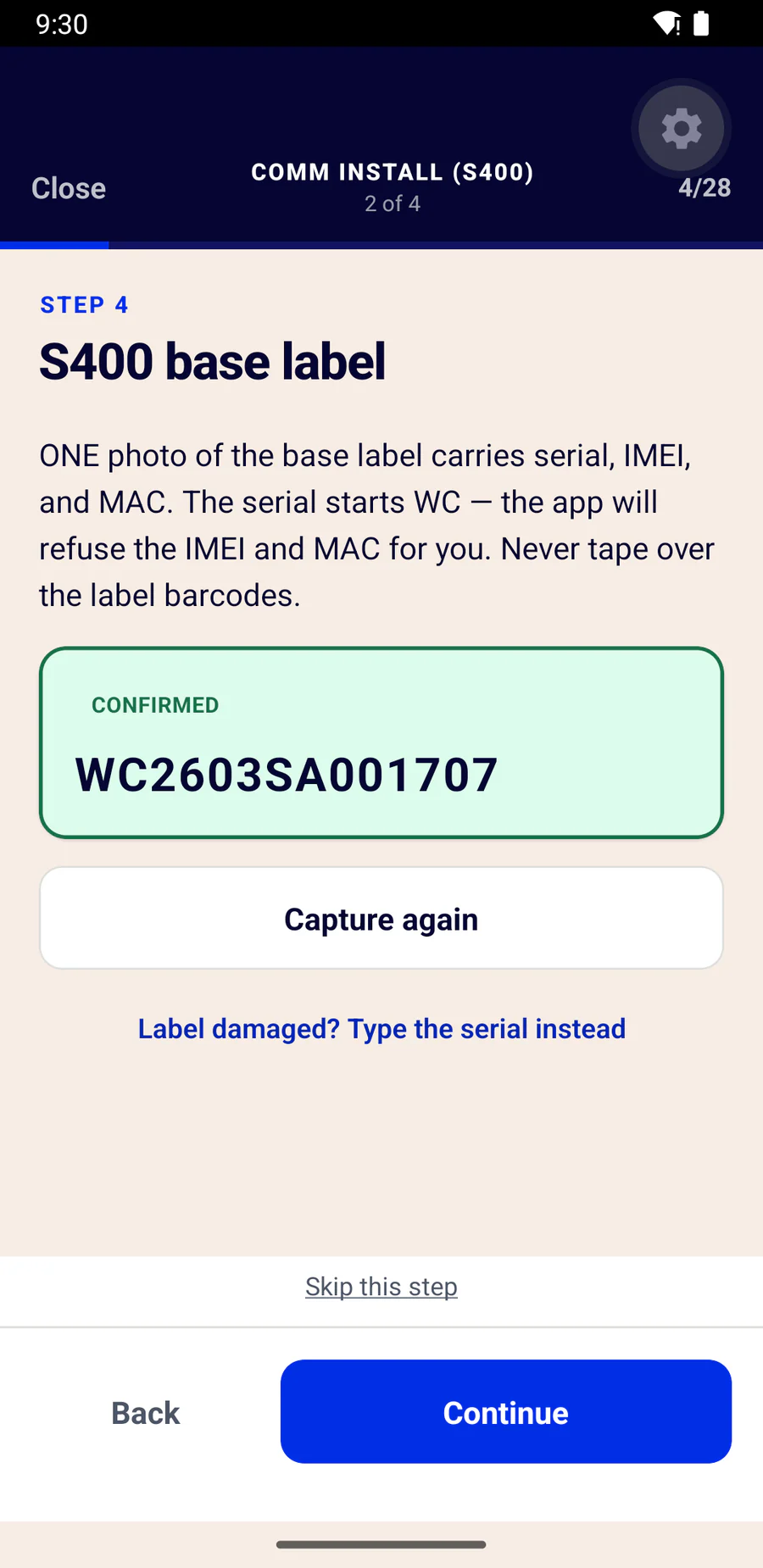
The moment of truth
Same step. Same guidance. Opposite outcomes.
These are two real screens from the same slot. On the left the technician scanned the S400's serial. On the right they scanned the IMEI printed two lines below it — and the app says exactly what they actually pointed at.
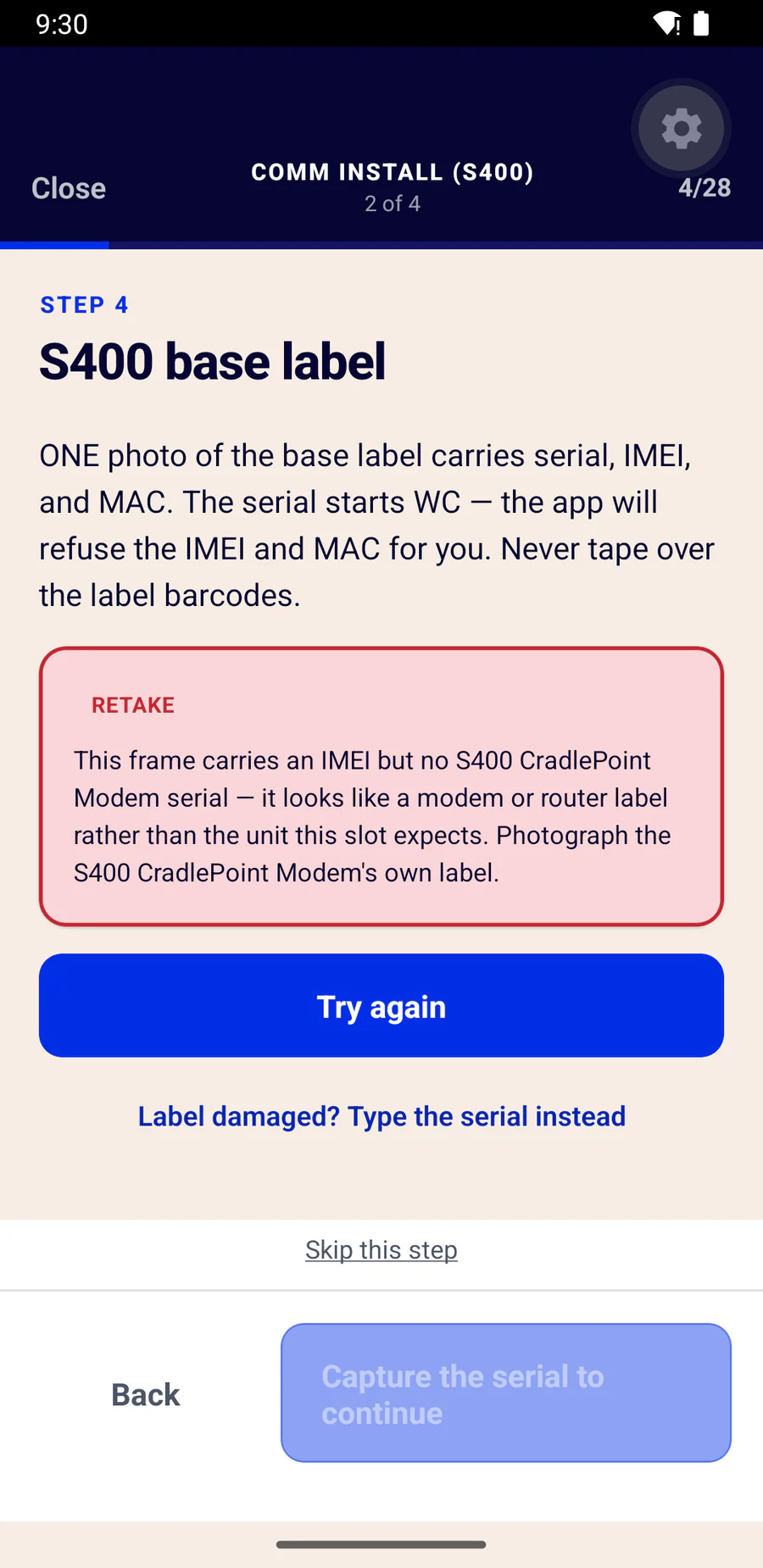
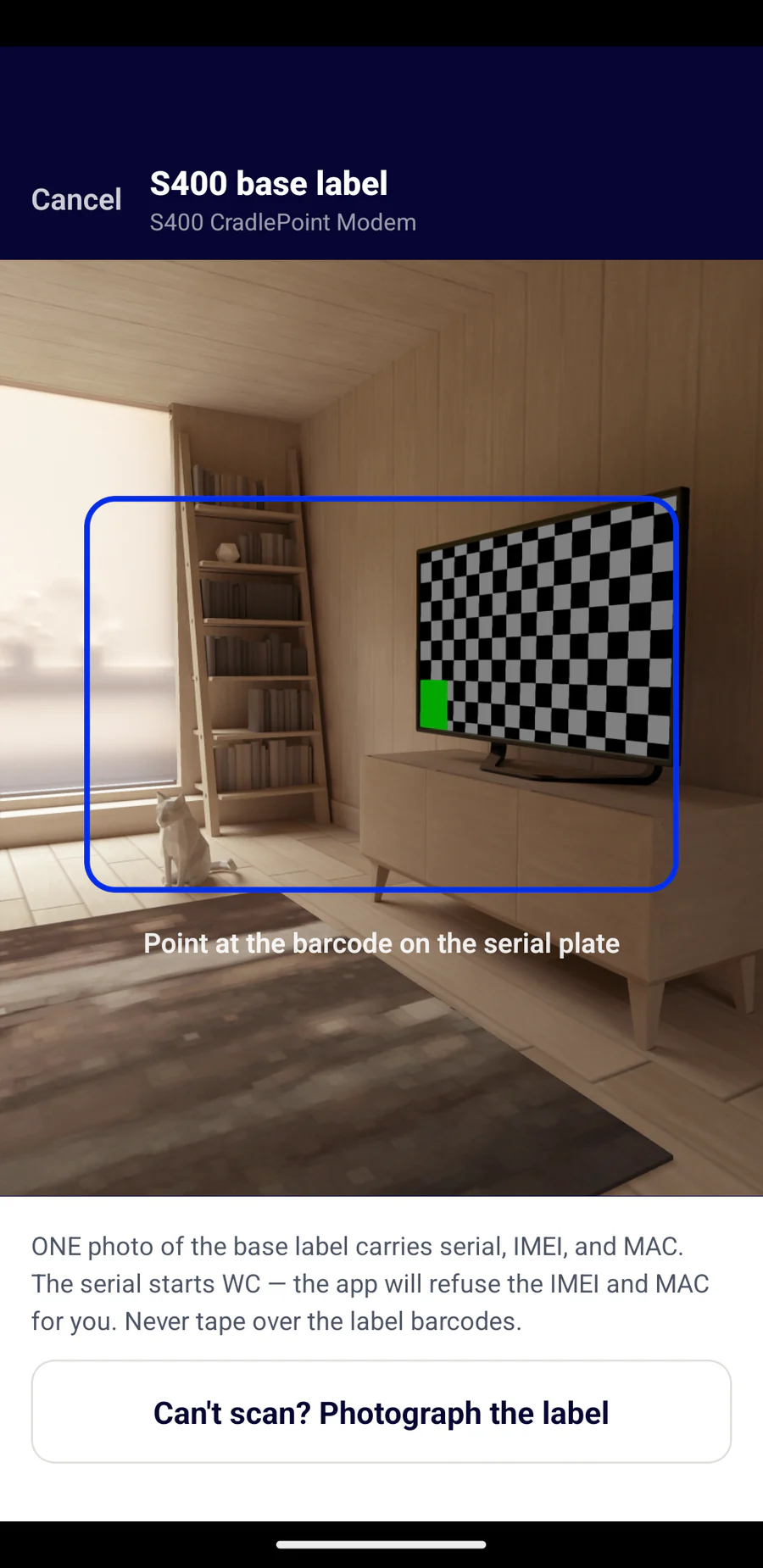
“Retake” is never the whole answer
A crew told only to try again photographs the same wrong thing again. So the app names what it saw: an IMEI, a MAC, a voltage rating — and which unit's label to find instead.
Evidence
The tag travels with the photograph.
Retailer number, store name, date and time are burned into every image as it is taken — your photo-requirements exhibit satisfied without a whiteboard in the van.
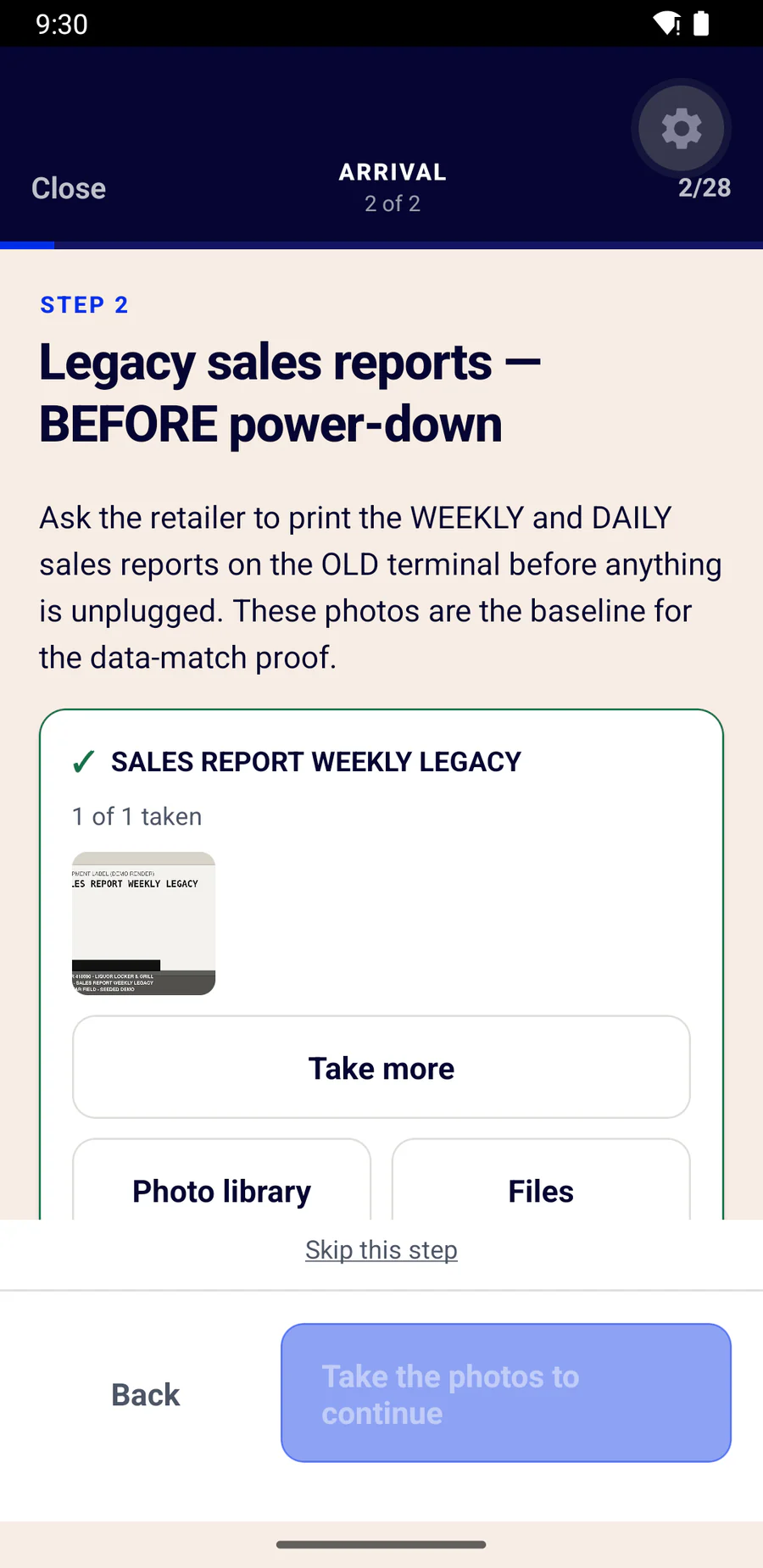
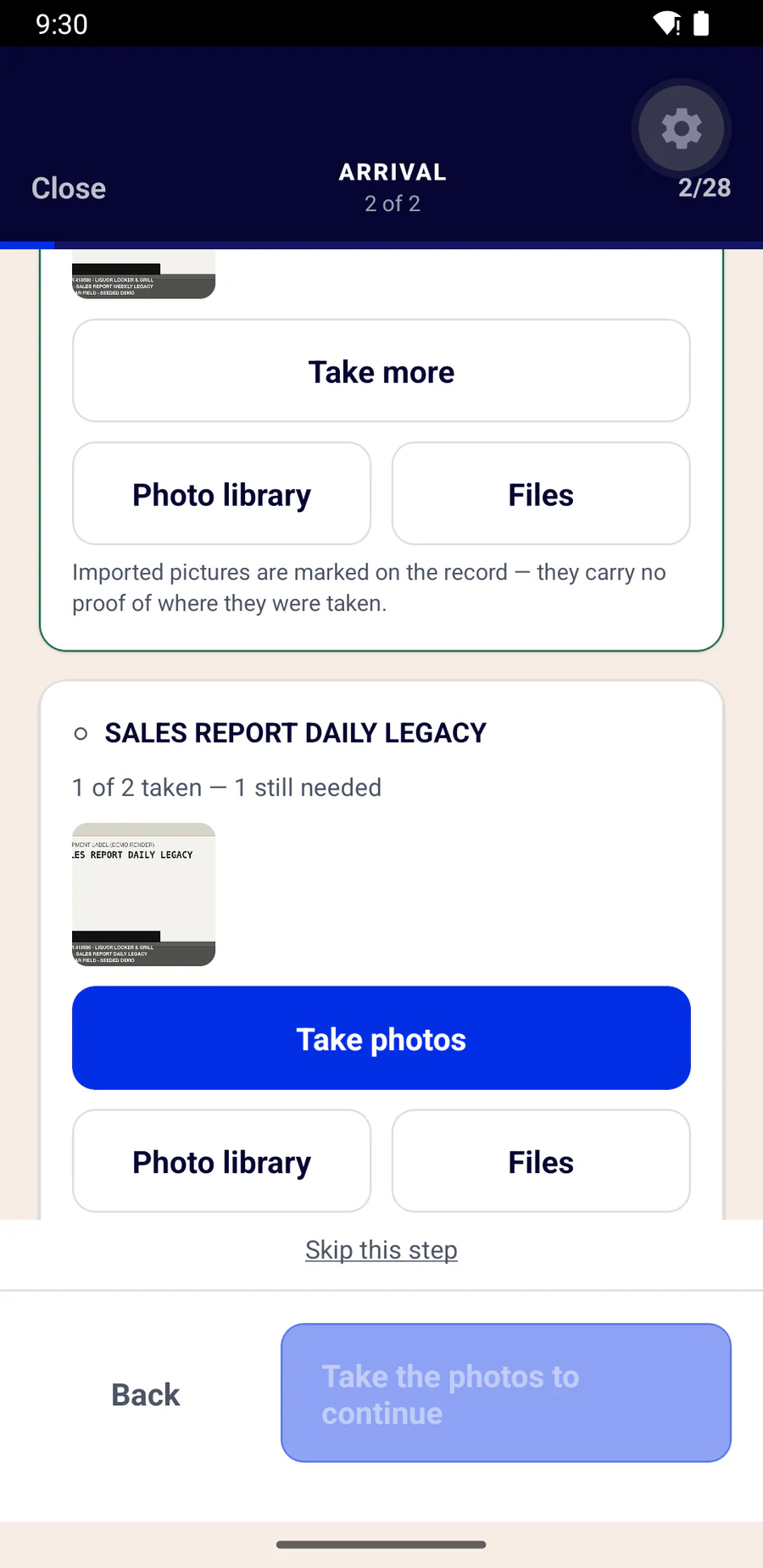
A picture chosen from the phone's library or a file is accepted, because sometimes it has to be — but it is recorded as an import, badged in the app, and stamped LIBRARY IMPORT on the image itself. An import proves nothing about where it was taken, and the record says so.
The failsafe
Nothing leaves incomplete.
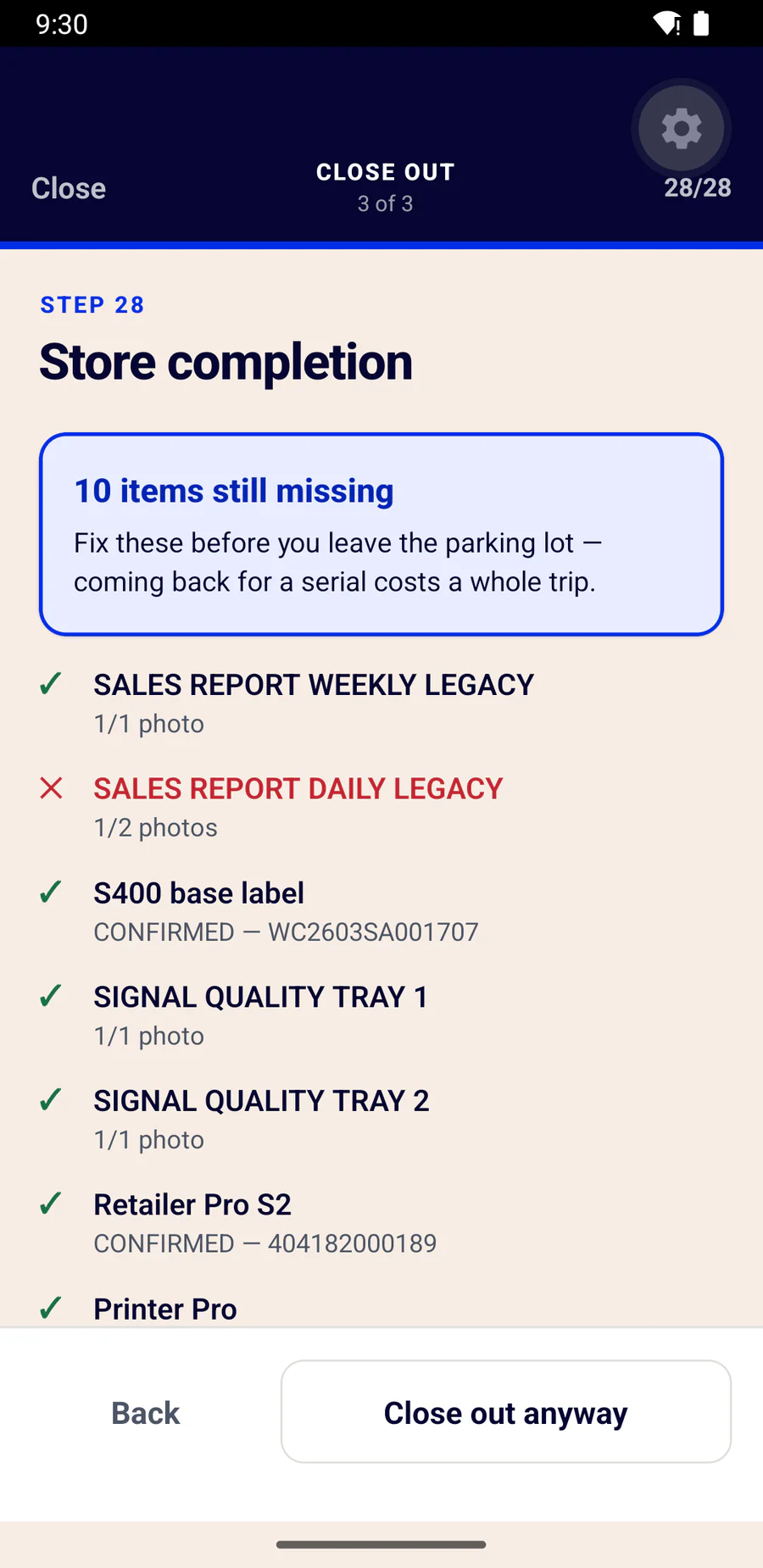
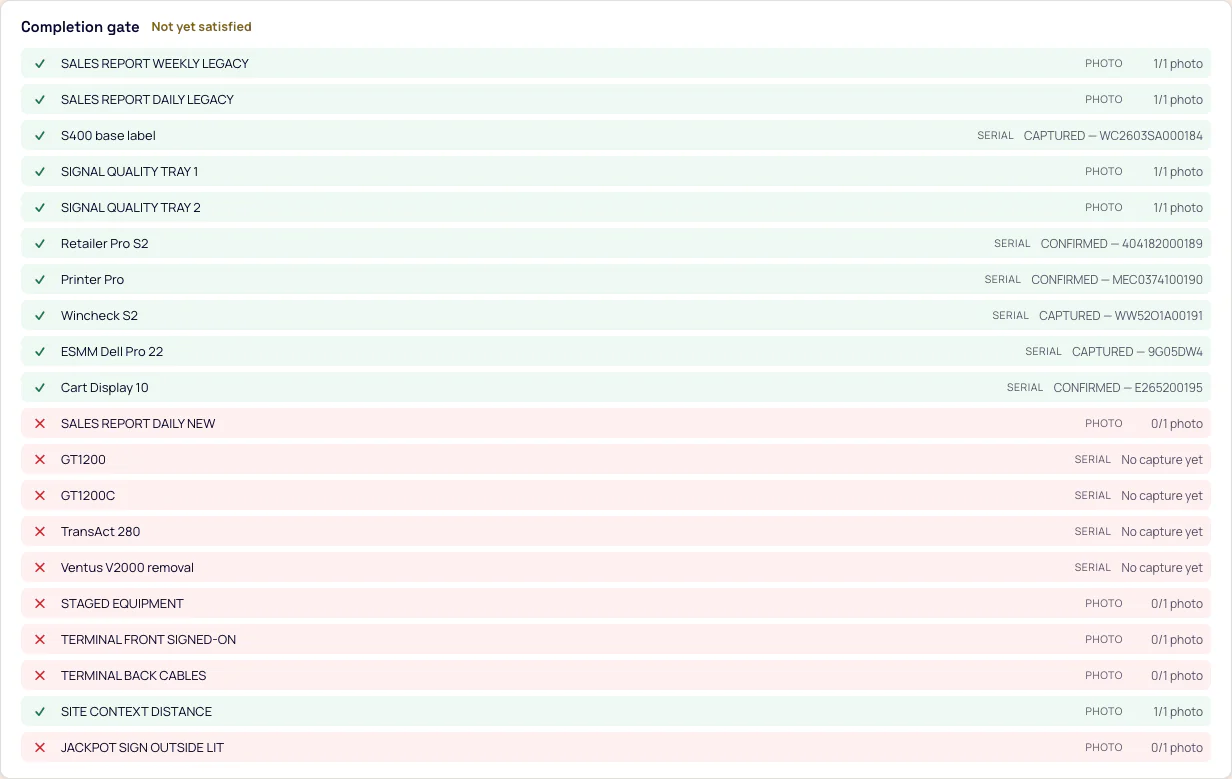
A retailer cannot be closed as complete while a required serial or photograph is missing. The crew sees precisely what is outstanding while they are still on site — and the office sees the same list, live, from the desk.
“Fix these before you leave the parking lot — coming back for a serial costs a whole trip.”
Both sides, same feed
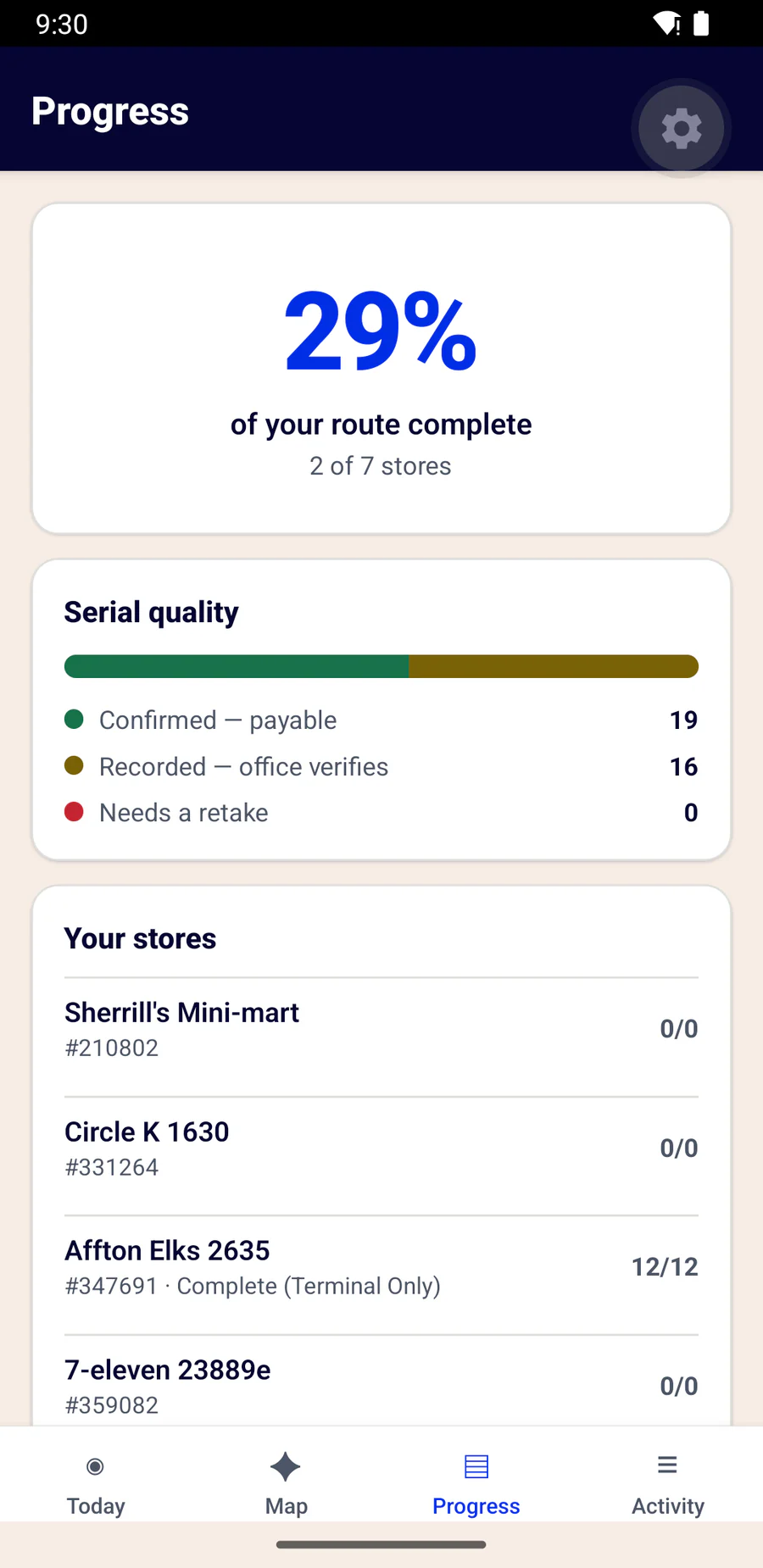
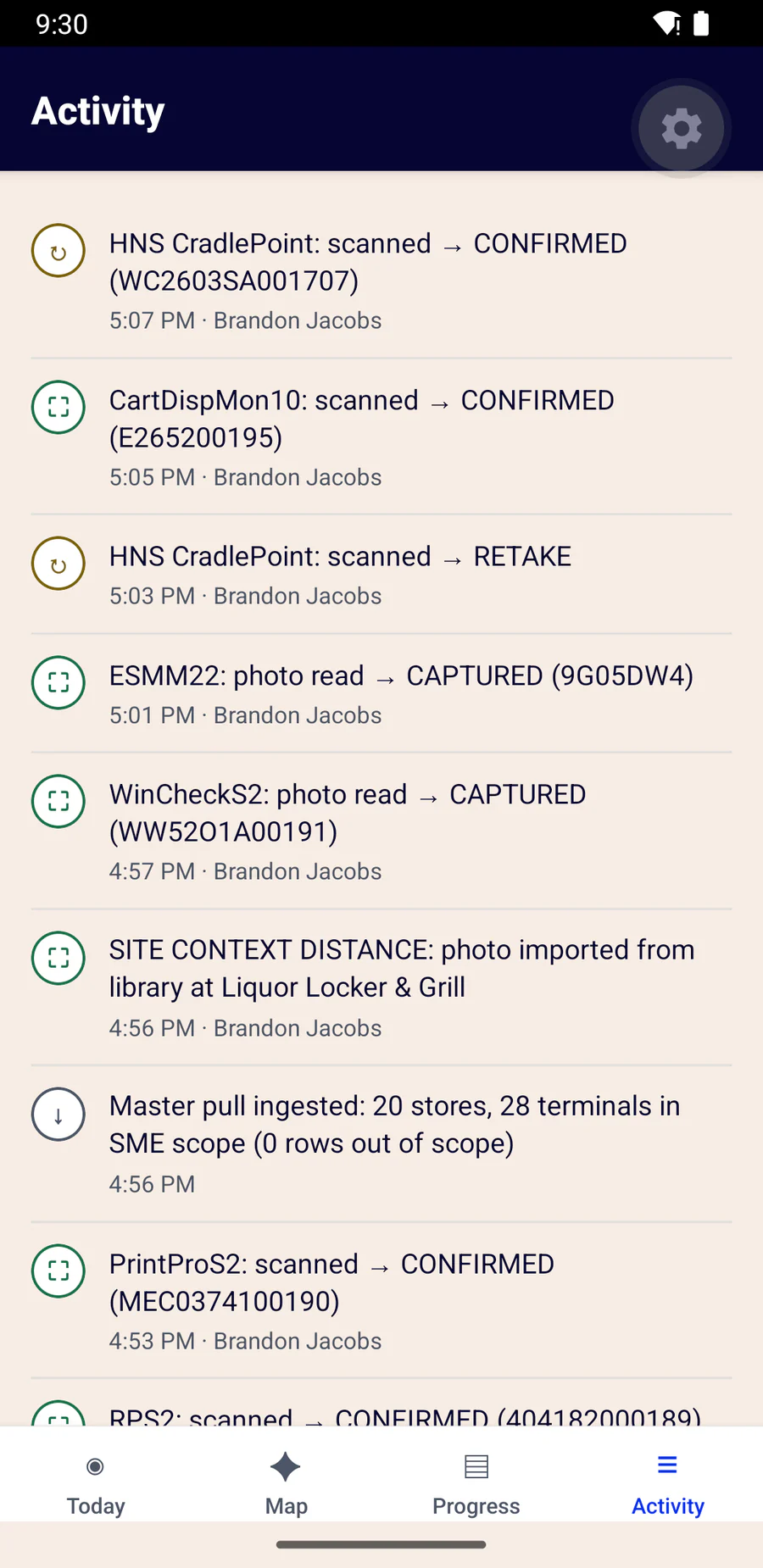
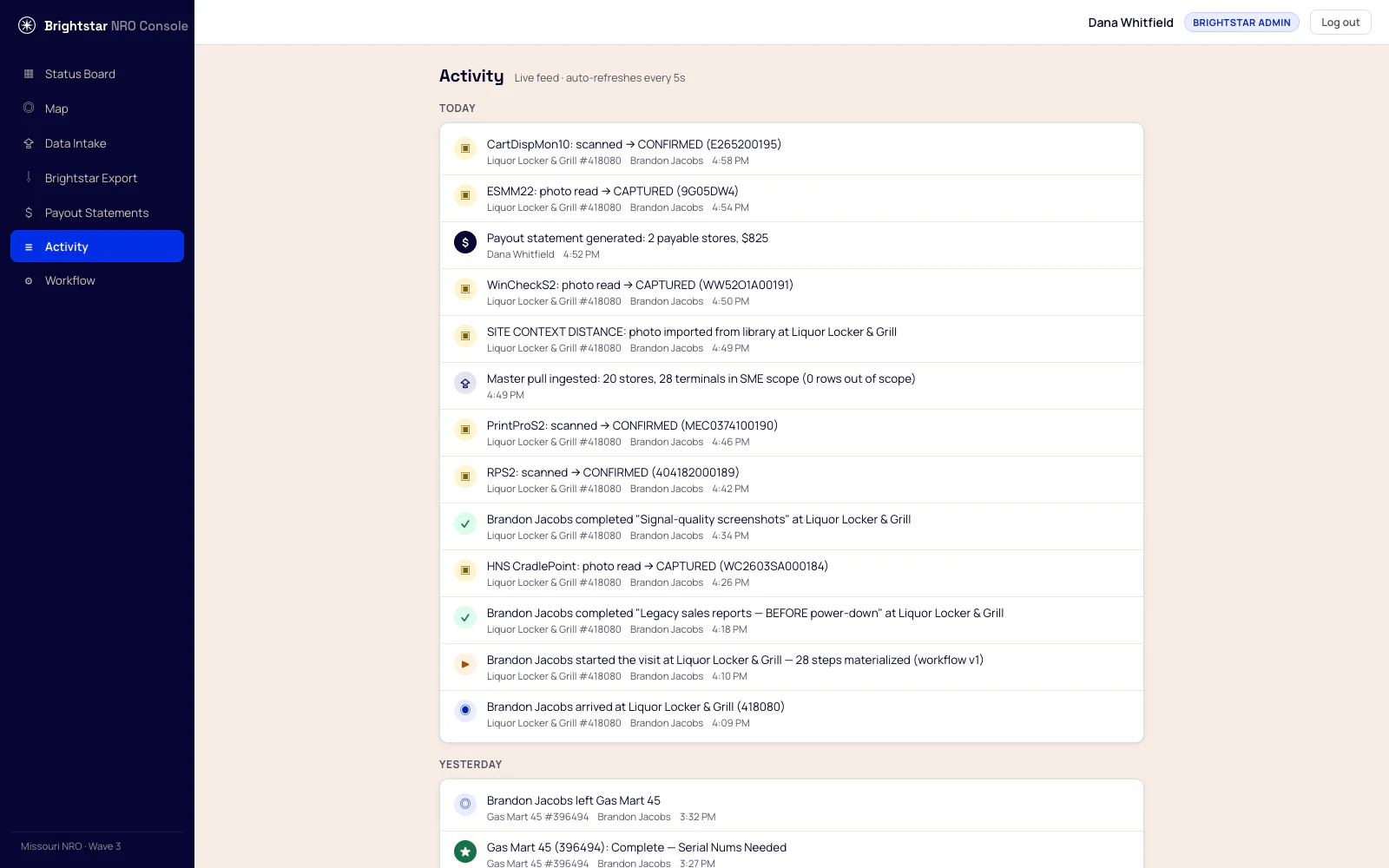
The crew sees their day. You see the programme.
Arrivals, captures, completions and approvals land on one timeline per retailer — visible to the technician who did the work and to the office at the same moment.
The office
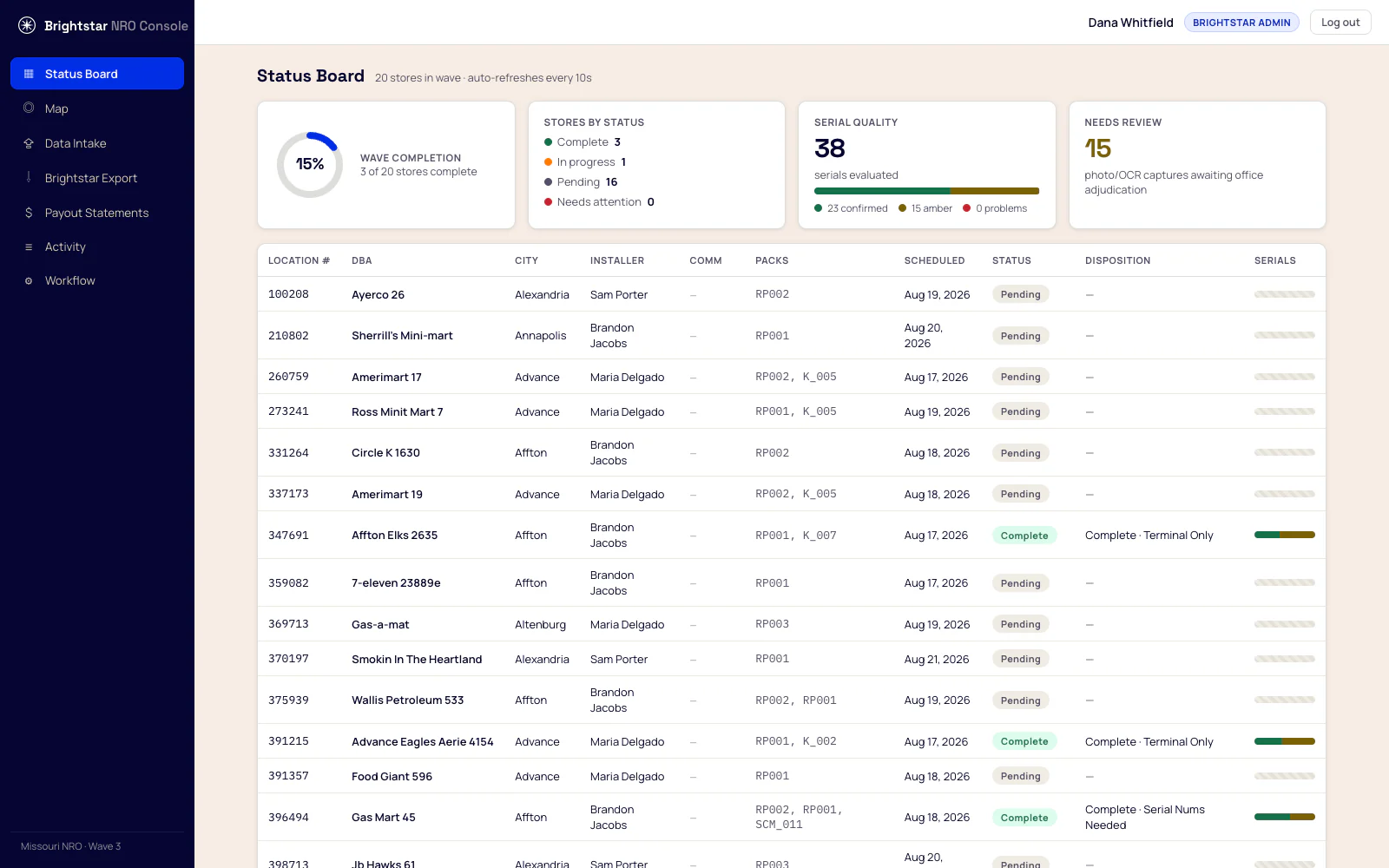
The wave, live.
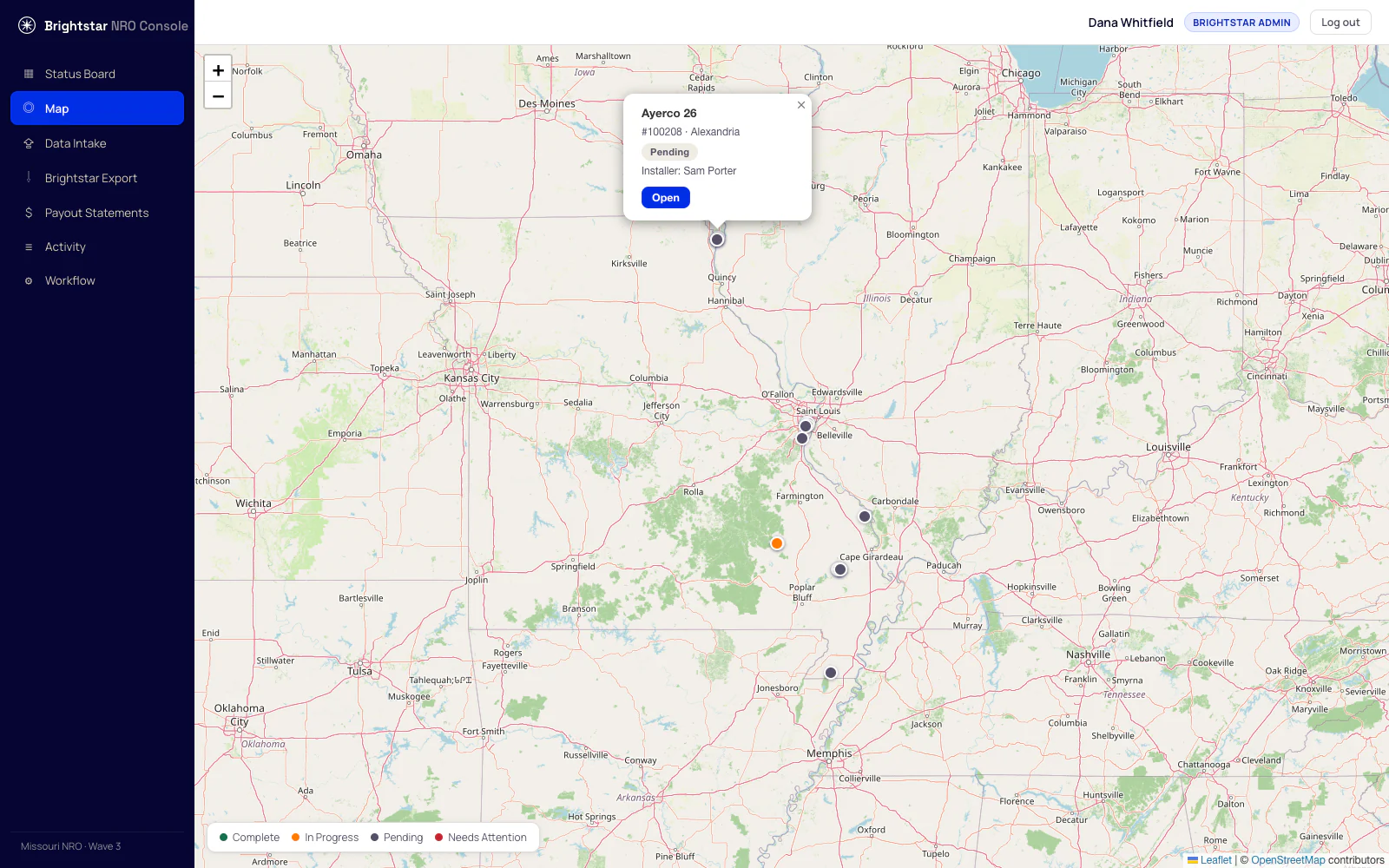
Completion, serial quality split three ways, and the queue of readings waiting on a human decision — refreshing while you watch it.
Proof, per serial
Every number shows its working.
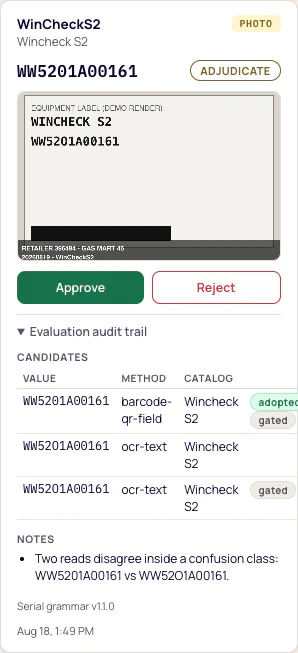
Open any serial and you get the stamped photograph it came from, every candidate the engine considered, and every value it refused — with the rule that refused it.
This one is a Wincheck where the barcode read 0 and the print read O. The engine will not resolve that by machine, so it is held for a person and both readings are kept.
A wrongly suppressed value stays visible. Nothing is discarded silently.
Three roles, one record
Everyone sees the same truth — not the same buttons.
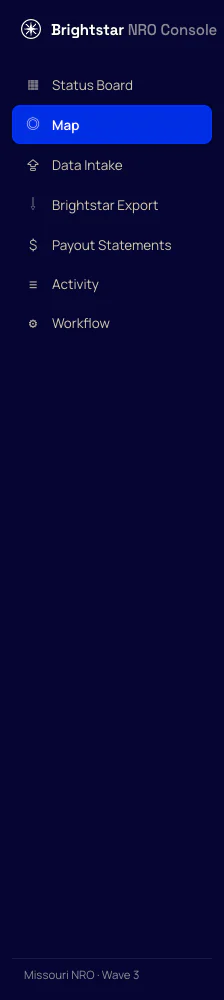
Brightstar admin
Everything, plus payout generation and publishing a new workflow version.
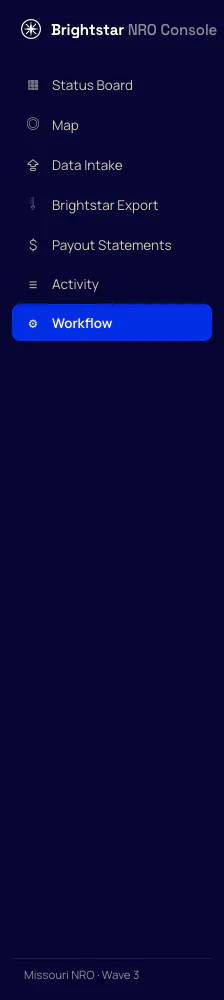
Contractor manager
Runs the work and reviews serials. Cannot generate payouts or change the workflow — the editor is read-only for them.
Installer
Their route and their own progress. Office screens are not theirs to see.
Your data in
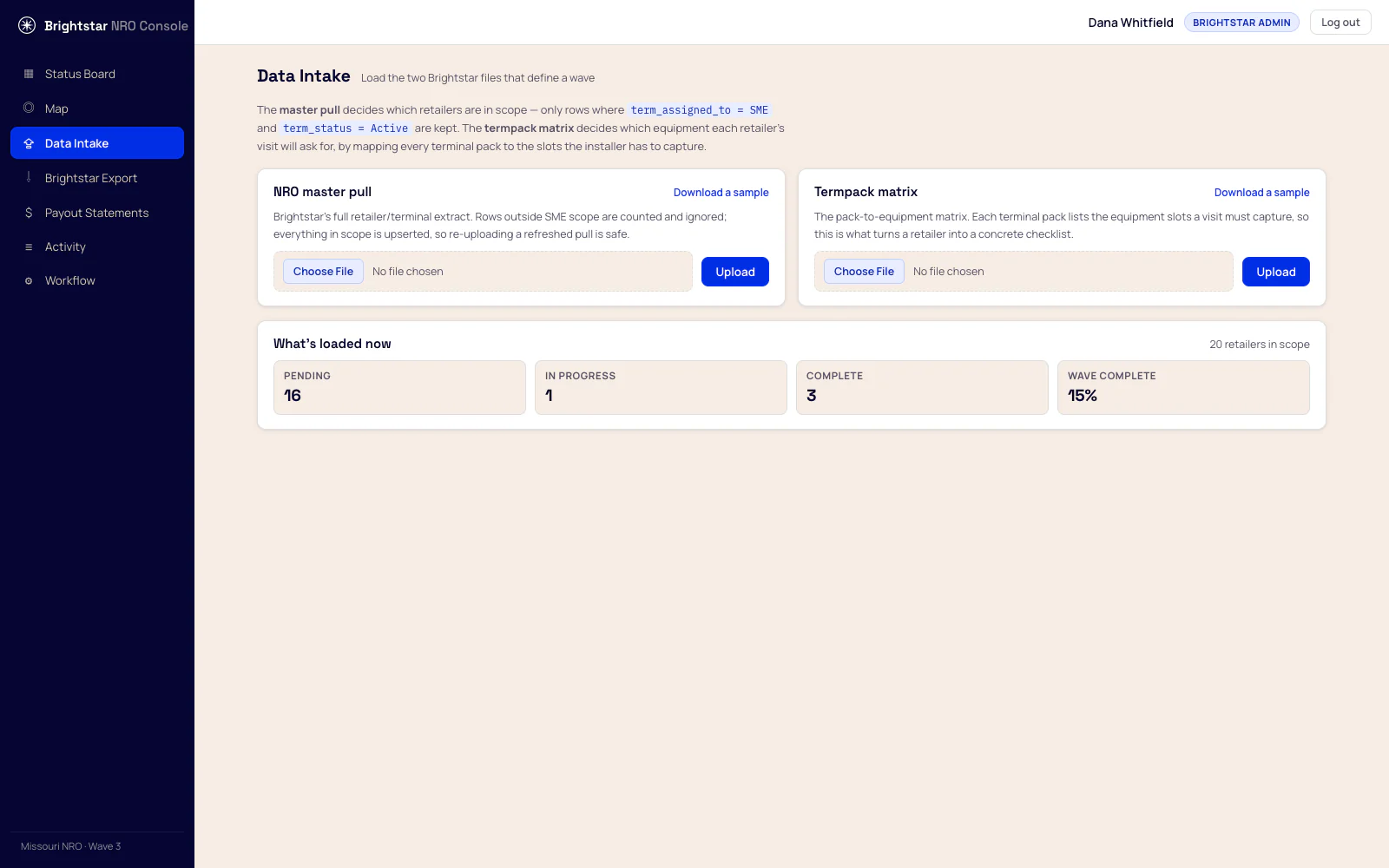
A wave is a file upload.
Load the NRO pull and the terminal-pack matrix. Scope runs automatically — only term_assigned_to = SME and term_status = Active become visits — and each retailer's pack decides exactly which equipment its crew is asked for.
New wave, new file. Not a configuration project.
Your file back
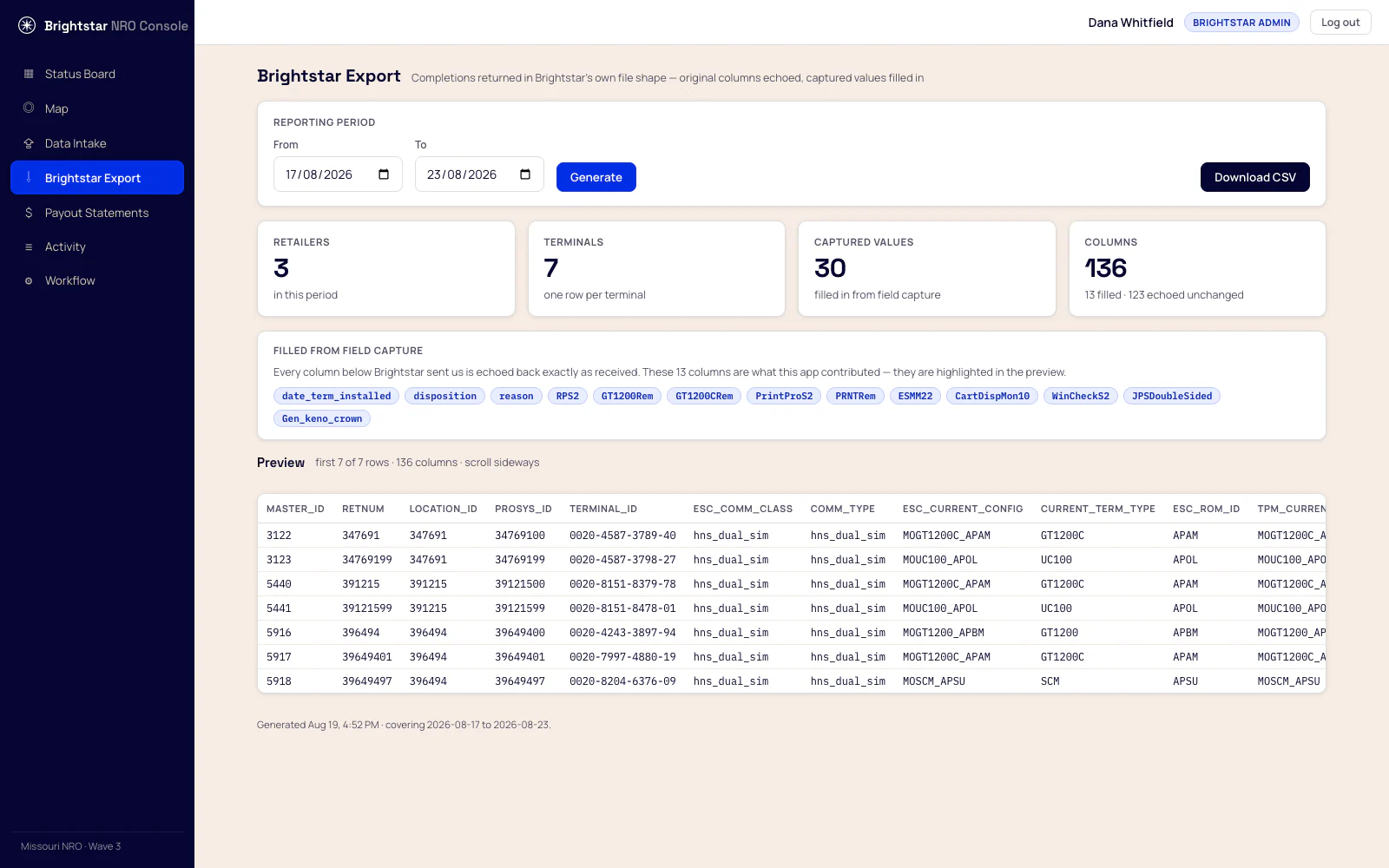
Your columns. Your order. Nothing reformatted.
136 columns returned exactly as you sent them, with only the fields the crew produced filled in — highlighted here so it is obvious what the app contributed. A two-terminal retailer returns two rows, each with its own equipment. Values we did not capture stay blank, because a file that invents a value to look complete is worse than one that doesn't.
Settlement
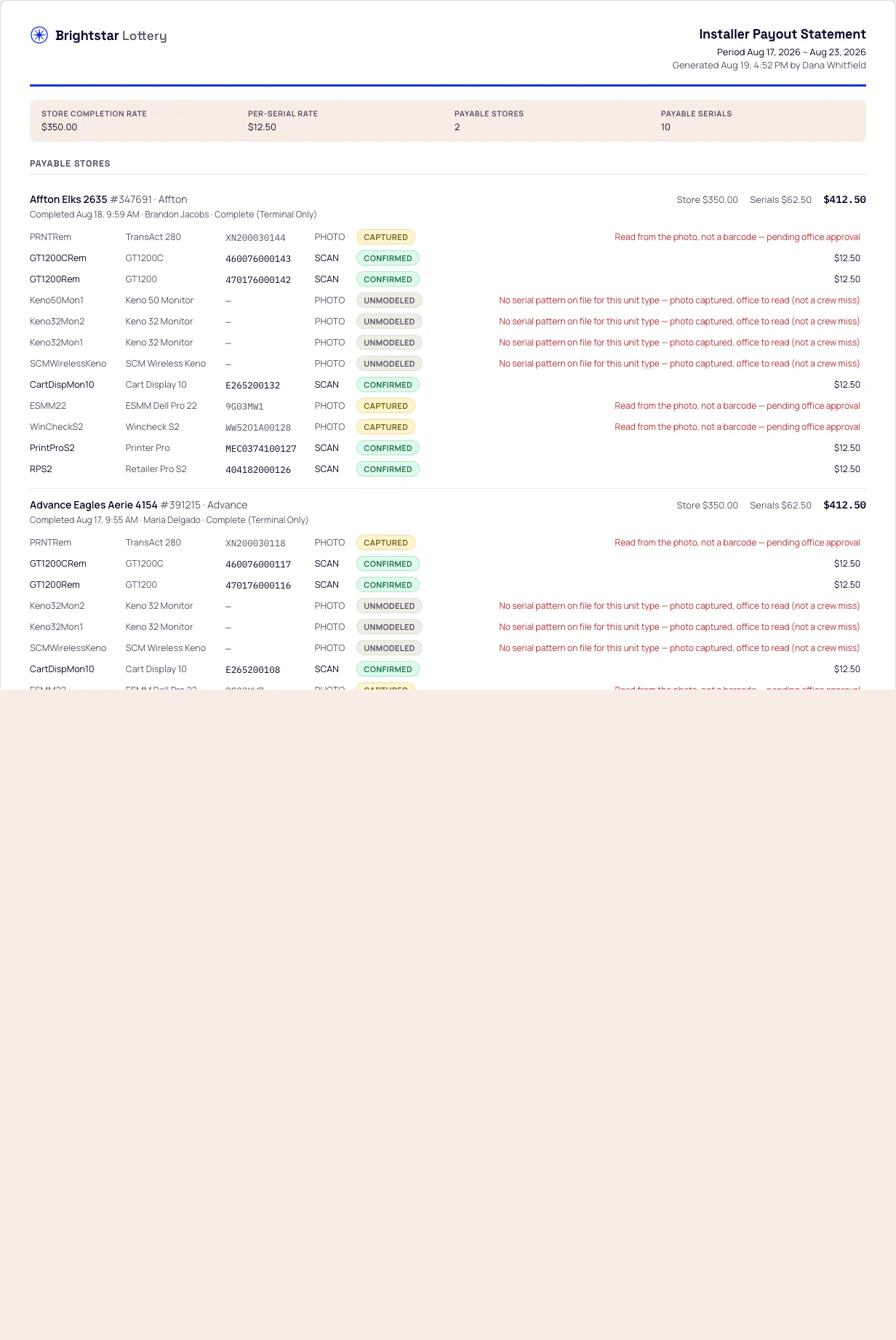
A statement that explains its own exclusions.
You pay for correct serials at completed retailers. Every line that is not paid says why, in words a contractor can act on — and both sides read the identical frozen document.
Control
Change the rules without shipping an app.
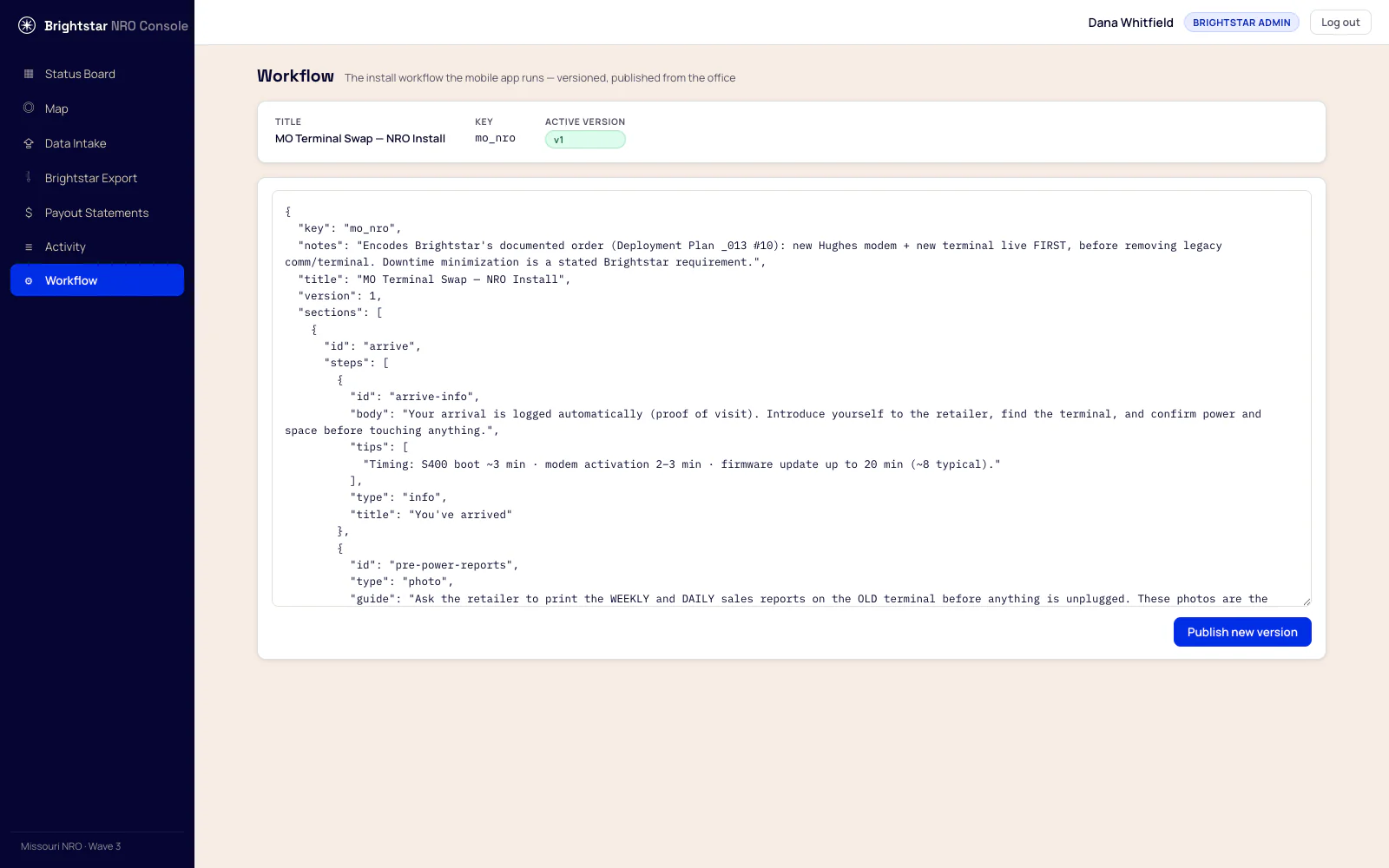
Steps, guidance, photograph lists and close-out reasons are content, not code. Edit the workflow, publish, and the next visit follows the new version — no app store, no update on 40 phones, no waiting for a release.
Visits already under way keep the instructions they started with, so the record of a visit is never rewritten underneath it.
Because the visit is generated from your packs, a change to what a pack contains reaches the field the same way.